Online Timer vs Stopwatch vs Pomodoro vs Alarm Clock: Which One Do You Need?
Four tools that all look like a clock and all live on this site — here's the actual difference between counting down, counting up, repeating focus rounds, and waking up at a set time.
This site has four pages that all look like some flavor of "a clock counting time" — Timer, Stopwatch, Pomodoro Timer, and Alarm Clock — and it's genuinely not obvious which one solves your actual problem until you've opened two of them and closed one. Here's the real difference, no page left out.
Counting down to zero — Timer
Use this when you have a fixed amount of time and want an alarm the moment it runs out — a duration up to 99 hours, entered as hours, minutes, and seconds. It also folds in a bare-bones stopwatch mode (Settings → Mode → Stopwatch) for when you don't have a duration to set, so if you're not sure yet whether you need to count down or just track elapsed time, this is the page to start on — it covers both without you picking twice.
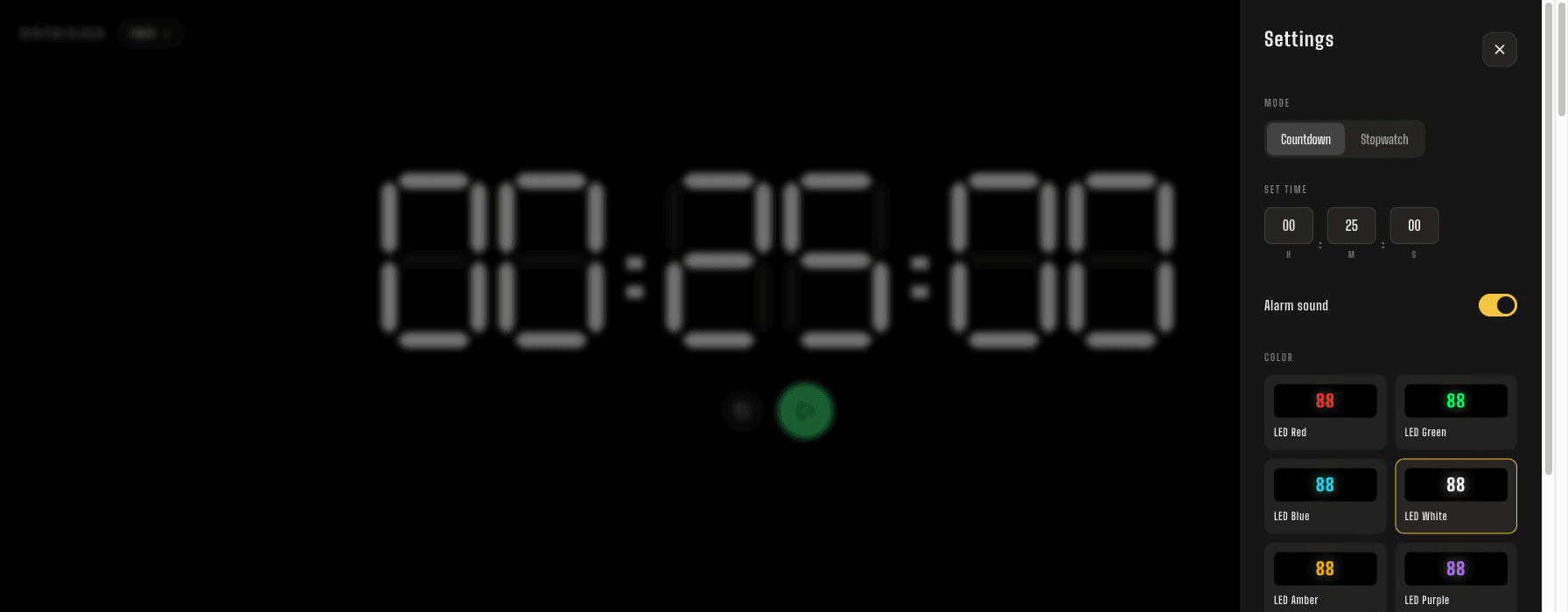
Counting up, with splits — Stopwatch
Timer's stopwatch mode only tracks one running total. The dedicated Stopwatch page adds lap times on top of that — tap the flag at each interval and it keeps both that split and the running total, newest at the top. If you need to know how long the whole thing took and how long each part of it took, this is the one, not Timer's built-in mode.
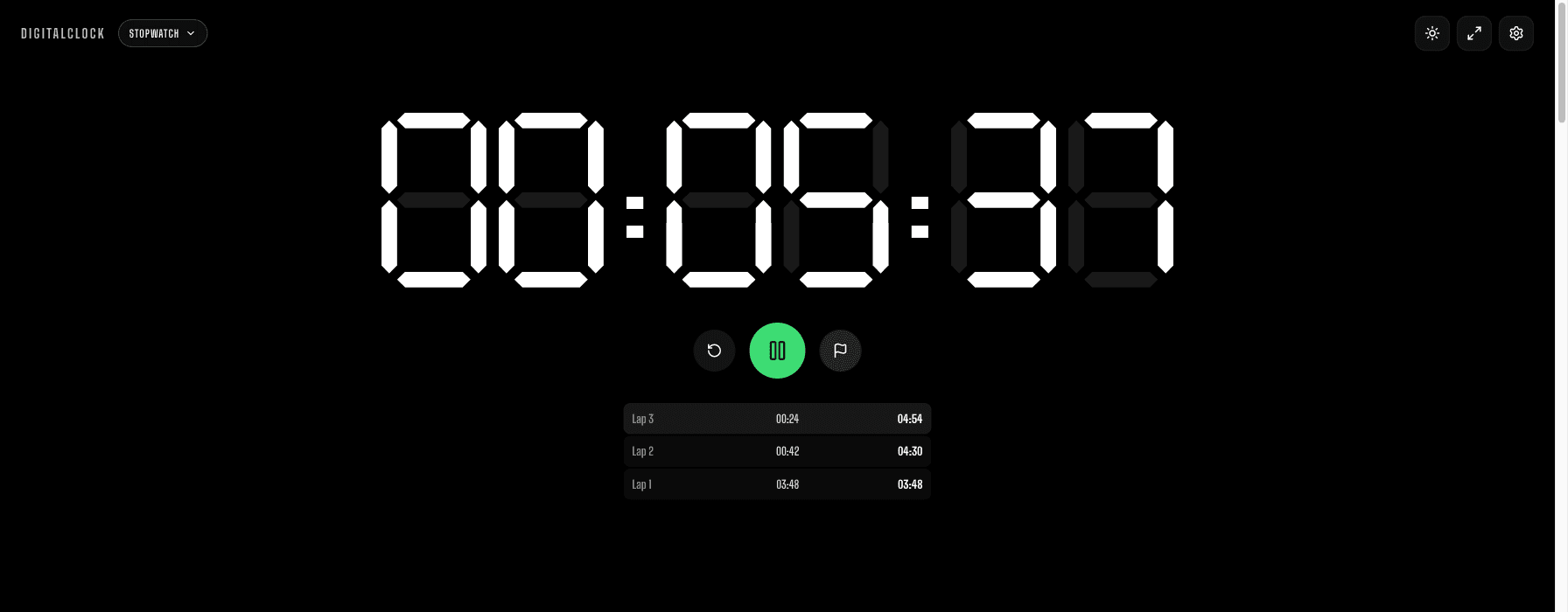
Repeating focus and break rounds — Pomodoro Timer
Timer and Stopwatch both track a single stretch of time. The Pomodoro Timer is built for several stretches in a row — Focus, Short Break, and Long Break rounds that chain automatically if Auto-start is left on, each length fully adjustable rather than locked to the traditional 25/5/15. Reach for this one when the problem isn't "time one thing" but "structure a whole work block so I don't skip the breaks or lose track of how many rounds I've done."
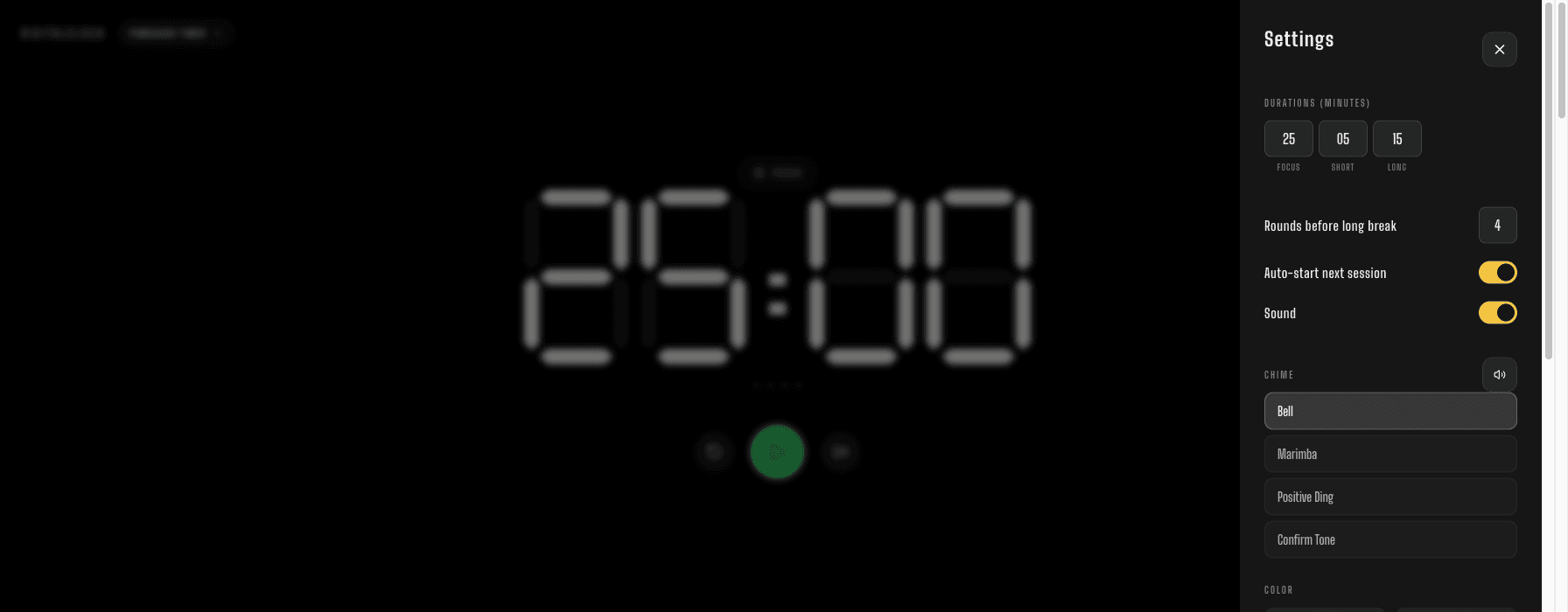
Ringing at a specific time of day — Alarm Clock
This is the odd one out, and deliberately so: Timer, Stopwatch, and Pomodoro Timer all start counting from whenever you press Start. The Alarm Clock instead cares about a specific point on the clock — 7:00, 14:30 — regardless of when you set it up. Worth knowing before you rely on it: the browser tab has to stay open and the screen has to stay on for it to ring, so it's a solid backup or bedside alarm, not a replacement for your phone's alarm on something you truly can't sleep through missing.
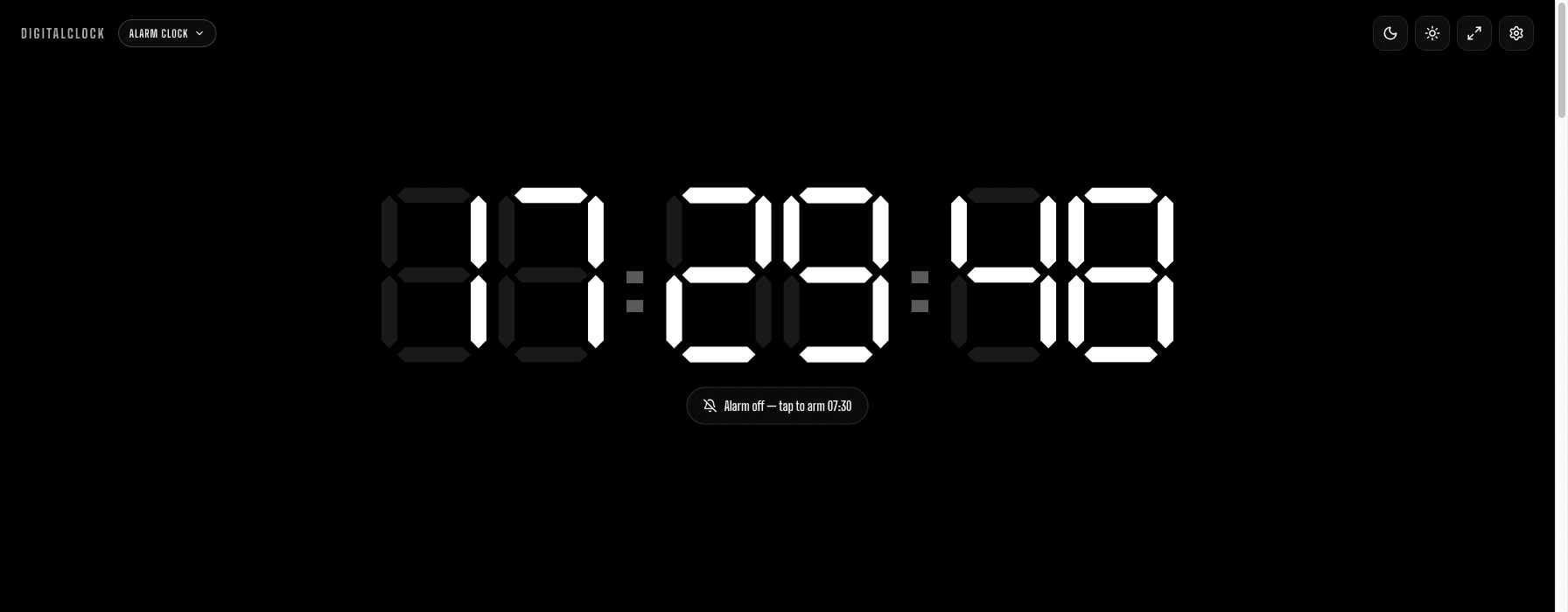
Still not sure which one?
Start with what you're actually timing, not the tool name. Timing something happening right now, with no fixed length in mind? Start on Timer and switch its Mode to Stopwatch — no need to decide in advance. Need the splits along the way, not just the total? That's the point where you move to the dedicated Stopwatch page instead. Timing several rounds of focus and rest back to back? That's Pomodoro Timer. And if what actually matters is a specific moment on the clock rather than a duration at all, none of the other three apply — Alarm Clock is the only one built for that. Whichever of the two most common cases (a countdown or a plain stopwatch) turns out to be yours, Timer already has it — you only need a different page once you know you specifically need lap splits, repeating rounds, or a wake-up time.