Why Time Zone Math Breaks Near Midnight (And How This Tool Avoids It)
"Tokyo is 14 hours ahead" is only true part of the year, and knowing the hour in another city doesn't tell you what date it is there. Here's where the mental math quietly falls apart.
"Tokyo is 14 hours ahead of New York" is the kind of fact people carry around as a fixed constant. It isn't one — and the two specific ways it stops being true are exactly the ones that cause the most confusion when scheduling something across time zones.
The offset changes twice a year, and not everywhere agrees
Daylight saving time isn't universal, and where it does apply, countries don't all flip the clock on the same date. New York observes it; Tokyo never has. So "14 hours ahead" is only accurate for part of the year — once New York shifts to daylight time each spring, the gap quietly drops to 13, then jumps back to 14 in the fall, entirely because of what New York's clock is doing, not Tokyo's. A gap you memorized in March can be wrong by May.
Being a day ahead is a date, not an hour difference
Near midnight, two cities can show similar-looking hour numbers while sitting on completely different calendar dates. It's 9 PM Tuesday in Los Angeles and already 4 PM Wednesday in Auckland — glancing at just the hour tells you nothing about that. Reasoning it out by counting hours forward from "today" is exactly where people get the day wrong, not just the hour.
How this avoids both mistakes
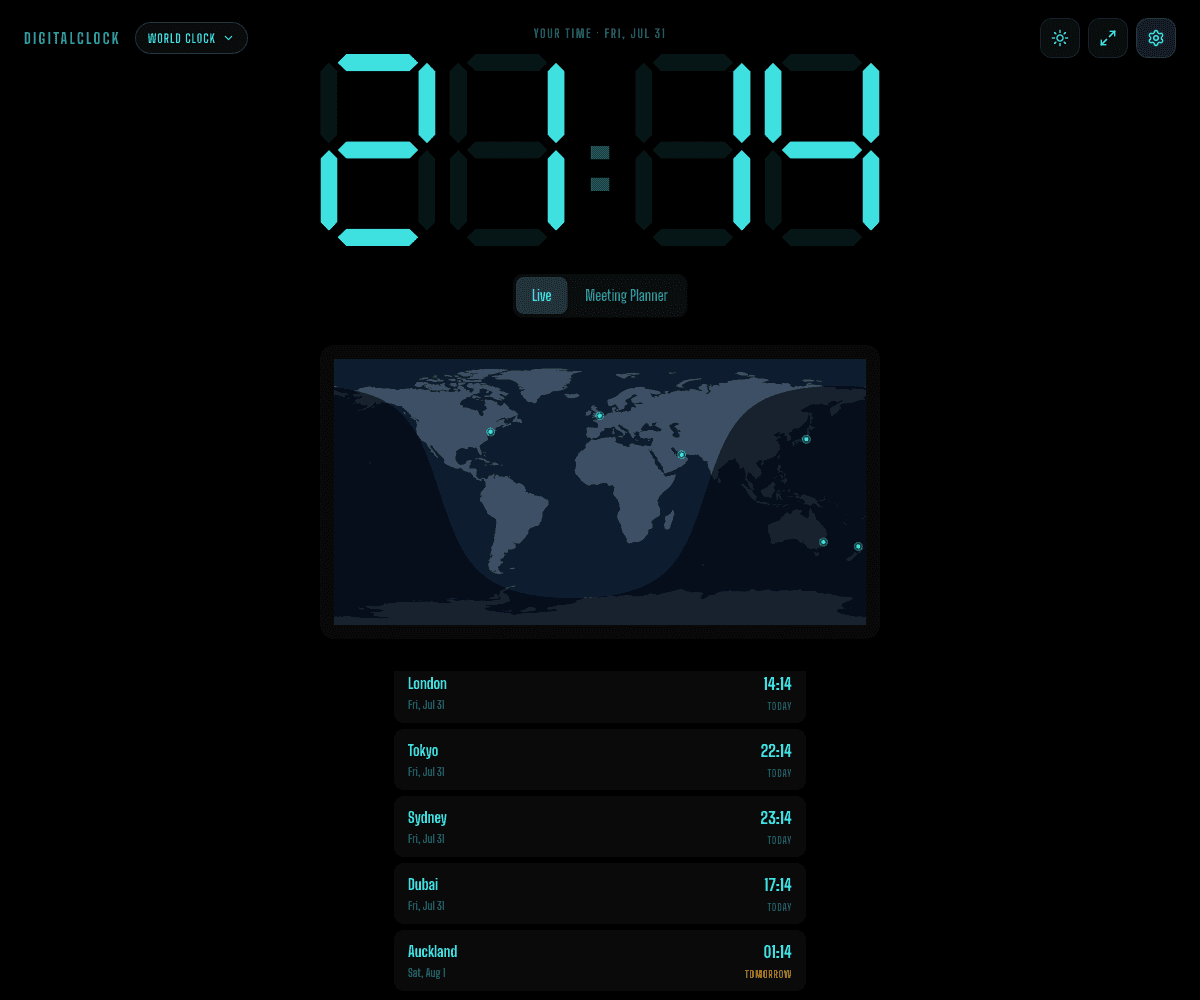
Every city's time here is read from the browser's own IANA time zone database for that specific date, not a fixed offset table — so a DST transition on either end is already accounted for automatically, correct for today even if it would have been different last month. And the LA-and-Auckland scenario above never comes down to hour math at all: the Yesterday / Today / Tomorrow label is decided by which literal calendar day each city is on, checked at the same instant, which is the one method that still gets it right when the hour numbers alone would point the wrong way.
That's also the point of Meeting Planner mode — pick an hour in your own time zone once, and every city's local time and date get read off it directly, instead of you doing the addition by hand and hoping today isn't a transition week.