A Neon Clock for Dorm Rooms (No Real Neon Sign Required)
Real neon signs are expensive, fragile, and against most dorm lease terms. A browser tab gets you 90% of the look for free.
Real neon signs are expensive, fragile, and — depending on your lease — probably not something you're allowed to mount on a dorm or rental wall. A browser tab gets you most of the actual visual effect: colored glow against a dark background, without buying, mounting, or plugging in anything beyond a laptop or tablet you already own.
What you're actually trying to recreate
The appeal of a neon sign in a room isn't really "it tells you something," it's the colored ambient glow it throws — that's the part a screen can genuinely reproduce. The neon clock gives you that same gradient-glow look, and it happens to also be useful, which a purely decorative sign isn't.
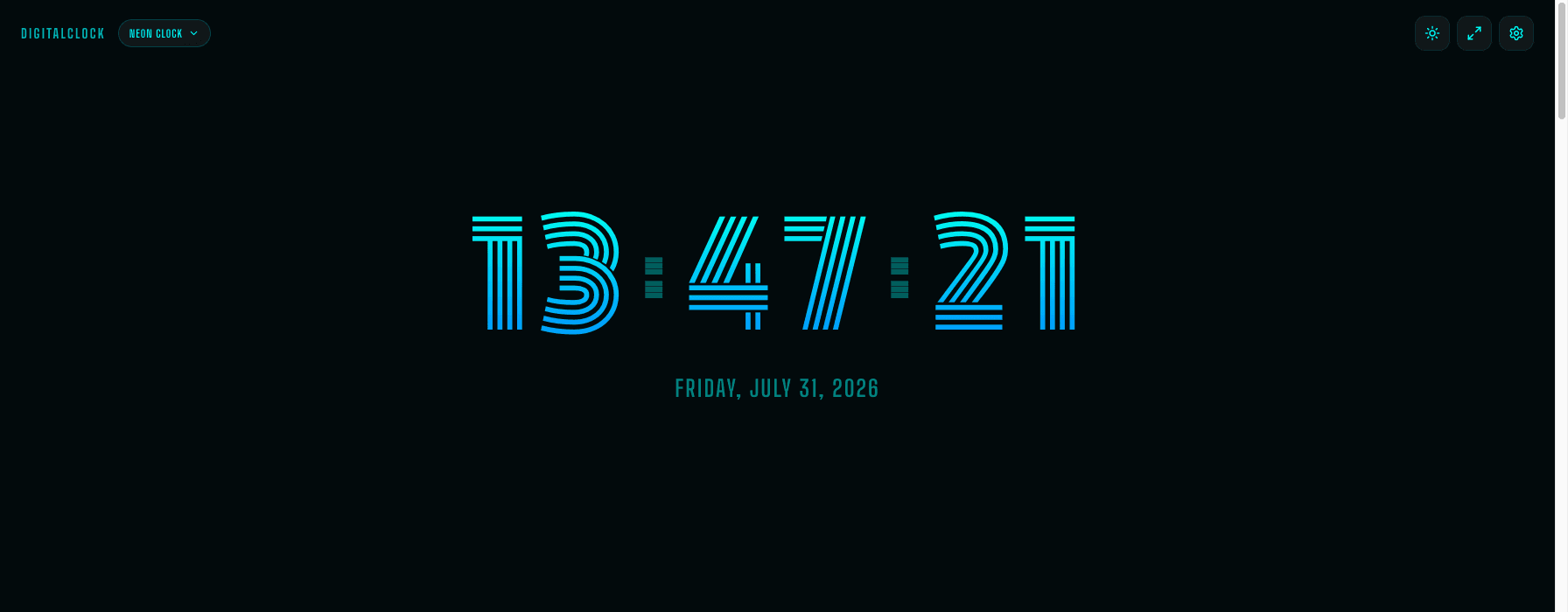
Free vs. buying an actual sign
A small custom neon sign realistically runs $50–150+, needs a wall mount, and is glass or acrylic that can crack if it falls. This is free, needs nothing mounted, and the "hardware" is a laptop, old phone, or tablet you were probably not using anyway.
Setting it up in a small room
A spare phone or an old tablet propped on a desk or windowsill, fullscreen, works well as a standalone glow source in a corner. If you're using your main laptop, a smaller windowed view (not fullscreen) next to your other apps still throws enough glow to be worth it without taking over the whole screen.
Two settings worth knowing about here
Keep Screen On, so it doesn't dim itself out after a couple of minutes of you not touching the device — it's meant to sit there glowing, not fall asleep like a normal idle screen. And if you're using an old phone you don't need for anything else, this is a genuinely good use for it — no battery drain concerns if it's plugged in and just sitting there.