How to Add a Neon Clock to Your Aesthetic Desk Setup
A gradient-glow clock earns its spot in a desk-tour photo in a way a plain digital readout never will. Here's how to place and shoot it.
A desk setup photo lives or dies on lighting, and a plain digital clock reads as pure function in a photo the way a phone charger does — necessary, invisible, not part of the aesthetic. A neon clock is different: the gradient glow is designed to be looked at, which means it can actually be part of the shot instead of something you crop out.
Where it earns its place
Behind your keyboard, angled toward camera on a secondary monitor, or filling a spare tablet propped against a shelf — anywhere it contributes color to the frame rather than just sitting in a corner being useful. The pink-to-purple gradient pairs naturally with string lights or an RGB keyboard already leaning warm; the cyan-to-blue pairs better with a cooler-toned setup.
Lighting the rest of the shot around it
Neon glow reads best with the room lights down — the same reason real neon signage looks best at dusk, not at noon. If you're shooting a desk-tour photo or video, dim the overhead light and let the clock (and whatever other ambient lighting you have) do the work instead of competing with a bright ceiling light.
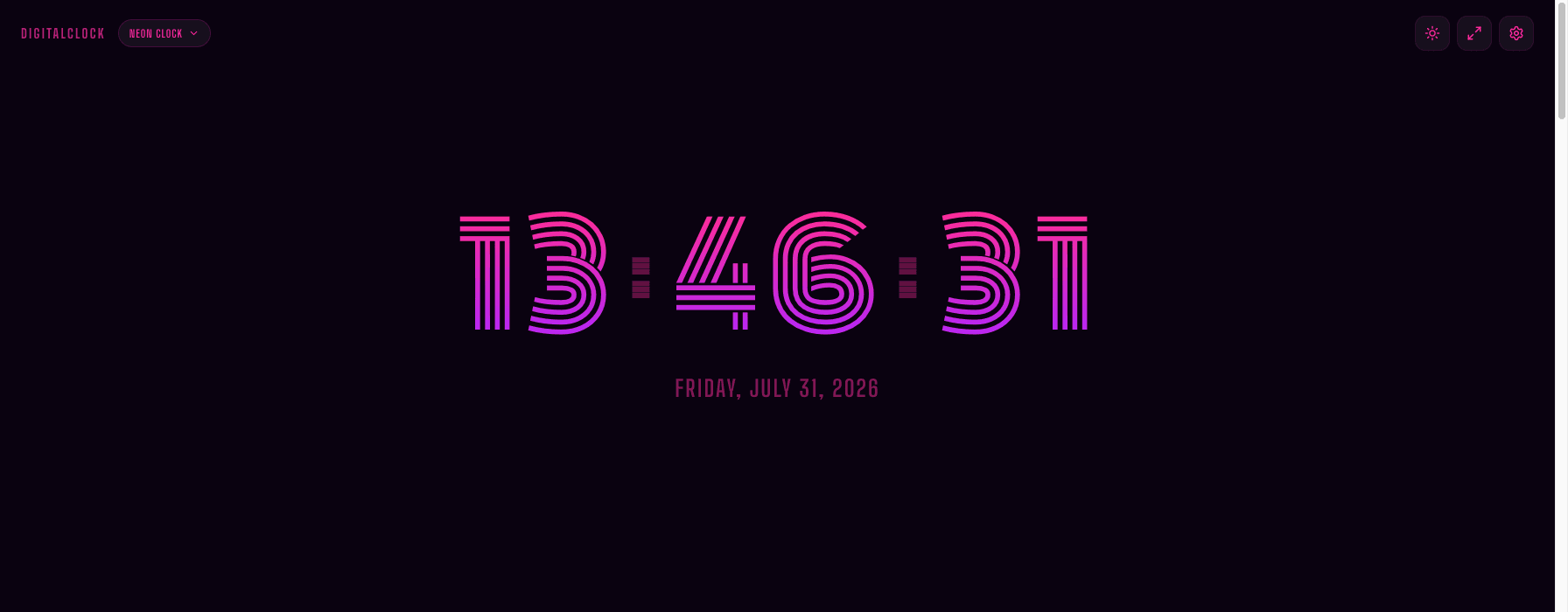
It's still a working clock
Seconds, 12/24-hour format, and fullscreen are all still available in Settings — it doesn't trade function for looks, it just adds the looks on top. Fullscreen it on a spare monitor and it becomes both a functioning clock and a light source at the same time.
Want a different visual language for the same desk? The pixel clock leans more "gaming setup" than "aesthetic setup" — worth trying if neon isn't quite your palette.