Flip Clock Online vs Fliqlo: Which Split-Flap Clock Should You Use?
Fliqlo is a beloved macOS/Windows screensaver. Here's how a browser-based flip clock compares, and when you'd actually want each one.
If you've searched for a split-flap clock before, you've probably run into Fliqlo — a well-known macOS and Windows screensaver that's been around for years and has a loyal following. It's a good product. It's also solving a different problem than a browser-based flip clock does, and which one you want depends on how you plan to use it.
Fliqlo: a screensaver
Fliqlo activates when your machine goes idle and takes over the whole screen. That's exactly right if what you want is "make my idle screen look nice instead of blank." It requires downloading and installing an application, and because it's a screensaver, it disappears the moment you touch the mouse or keyboard — it's not something you keep visible while you work.
A flip clock online: a page you keep open
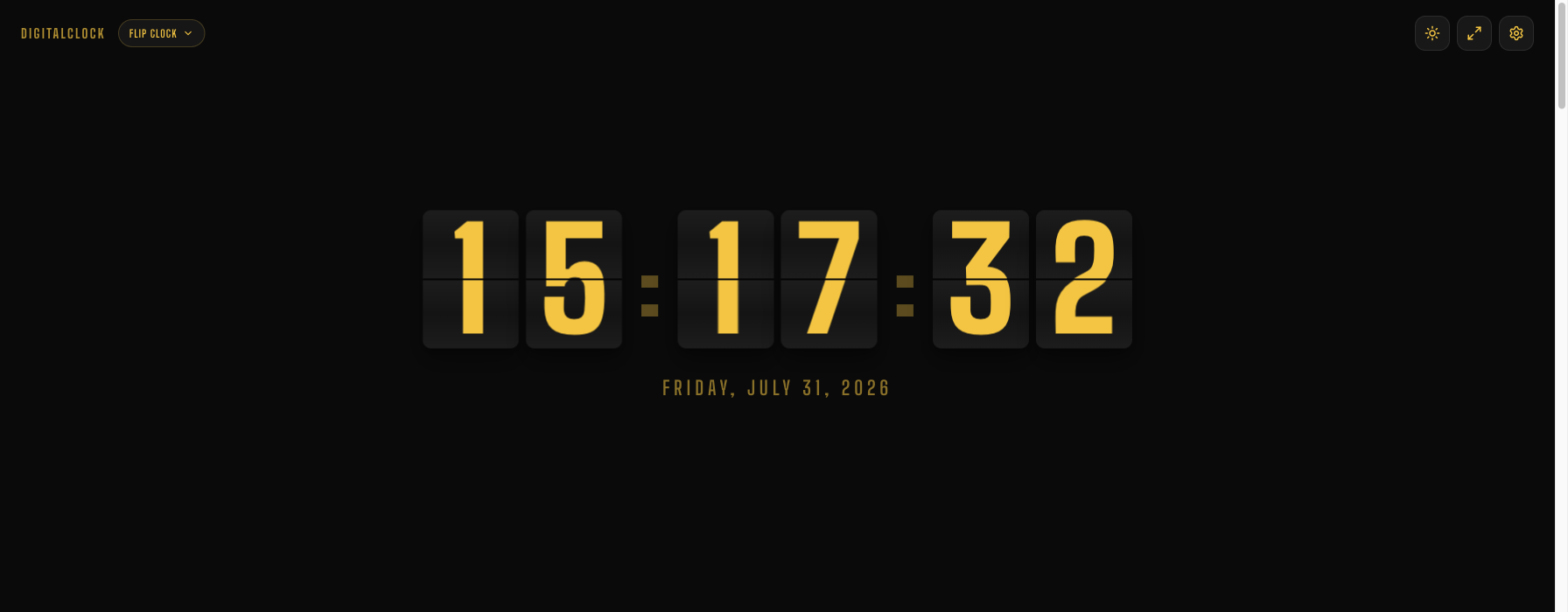
This flip clock is a webpage, not a screensaver. It stays on screen while you're actively using the computer — on a second monitor, in a browser window, in a stream overlay — rather than only appearing when the machine is idle. No install, works on any OS with a browser including Chromebooks and tablets, and you can toggle seconds, 12/24-hour format, and switch between eight color themes without leaving the page.
Which one to actually pick
- Want your idle screen to look good when you step away? Fliqlo is built exactly for that.
- Want a flip clock visible on a second monitor, in a stream, or on a device where installing software isn't an option (a shared machine, a Chromebook, a tablet)? Use the browser version.
- Want both? Plenty of people do — Fliqlo for idle time, this for when you're actively working.
They're not really competitors so much as the same aesthetic solving two different moments of your day.