Why a Flip Clock Beats a Countdown Timer for Focus Work
A ticking countdown creates pressure. A flip clock just marks time passing, quietly, once a minute — which turns out to matter for deep work.
Most focus-timer tools are built around a countdown: a number ticking down toward zero, sometimes with a progress bar closing in alongside it. That's useful for a sprint with a hard deadline. It's a poor fit for open-ended deep work, where a shrinking number in your peripheral vision quietly adds pressure to a task that doesn't need any.
A clock, not a countdown
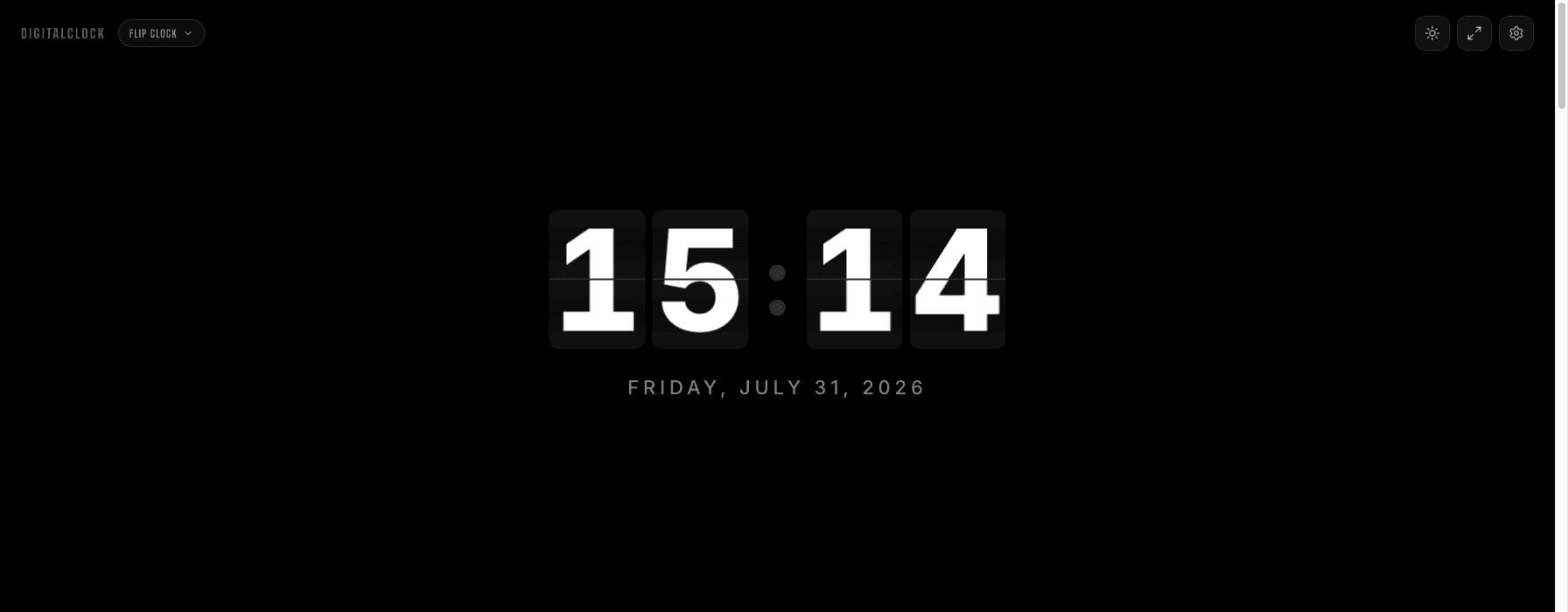
A flip clock does something different: it just marks that a minute has passed. No progress bar, no "time remaining," no sense of running out. You glance at it the same way you'd glance at a wall clock — to orient yourself, not to watch a number shrink.
Why the flip motion specifically helps
Seconds are on by default, same as most clocks, which means the flip fires once a second out of the box. Turn seconds off in Settings and the whole card only moves once a minute instead — for fifty-nine seconds out of every sixty, nothing on your second monitor is moving at all. Compare that to a live digital seconds counter, which is animating constantly in your peripheral vision — genuinely distracting in a way most people don't notice until they turn it off and feel the difference.
How to set it up for a work session
Put it on a second monitor, or in a separate window snapped to one side of an ultrawide. Turn seconds off in Settings — you don't need them for this, and it removes the one part of the display that does move continuously. Pick Flip Mono or Flip Noir; both are neutral enough to sit in your peripheral vision without pulling focus.
When you'd want a countdown instead
If you're doing timeboxed sprints — 25-minute Pomodoro blocks, a hard stop before a meeting — a countdown timer is genuinely the better tool for that specific job. The flip clock is for the opposite case: work sessions where you want general time awareness without the anxiety of a shrinking number.