A No-Nonsense Digital Clock for Your Office or Meeting Room
Meeting rooms don't need a mood or an aesthetic — they need a clock everyone at the table can read without asking. Here's the plain setup that works.
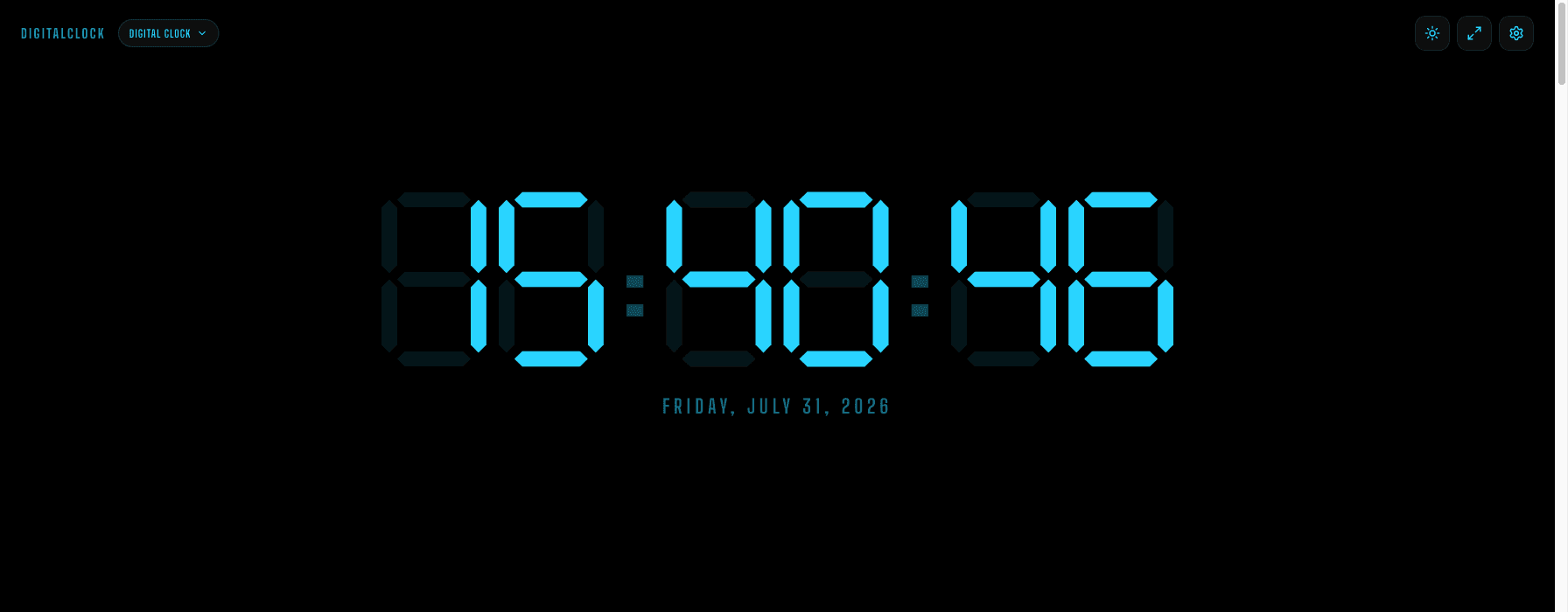
A meeting room clock has exactly one job: let everyone at the table see the time without turning to check a phone. It doesn't need a personality, a theme, or a glow. If anything, those are actively the wrong choice for a room where the goal is to not be the most interesting thing on the wall.
Why we don't recommend flip, pixel, or neon here
Each of those looks is genuinely good for the audience it's built for — the flip clock for a calm home office, the pixel clock for a gaming or streaming setup, the neon clock for a desk someone wants to photograph. None of those are what you want on a shared meeting room wall, where the point is to be functional and forgettable. Plain LED-style digits read that way: like a wall clock, not a design choice.
Set it up once, on whatever's already in the room
Most conference rooms already have an unused display or an old monitor connected to a mini PC for video calls. Open the site in a browser tab there, tap fullscreen, and you're done — nothing to install, no admin rights required, works on whatever's already plugged in.
24-hour format, if your team uses it
Toggle 24-hour time in Settings if your organization schedules in 24-hour format — useful for international teams coordinating across time zones where "3:00" is ambiguous but "15:00" isn't. If the room regularly schedules calls across regions, the world clock shows every time zone side by side instead of just the one.
One setting to leave off
Skip Keep Screen On for a shared room display that's connected to a PC that sleeps on a schedule — you generally want the room's normal power management to keep working, not to be overridden by a browser tab.